
DXF · PDF · SVG · IMAGE
From file to fabrication. All in one place.
Open and check DXF files, convert images or PDFs to DXF, and prepare production files locally in your browser before CAD/CAM review.
What would you like to do?
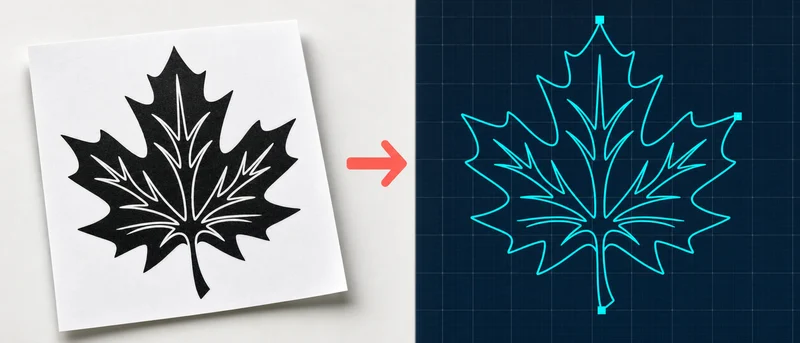
Image to DXF
Turn a logo, sketch, or photo into a DXF drawing ready for CAD and cutting machines.
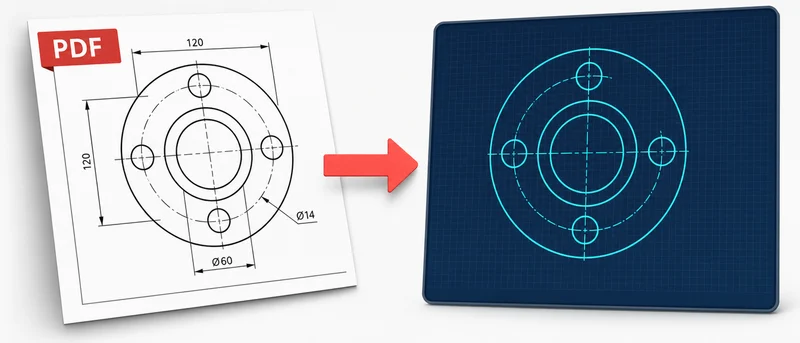
PDF to DXF
Convert a technical drawing inside a PDF into a DXF you can edit in CAD or send to a cutter.
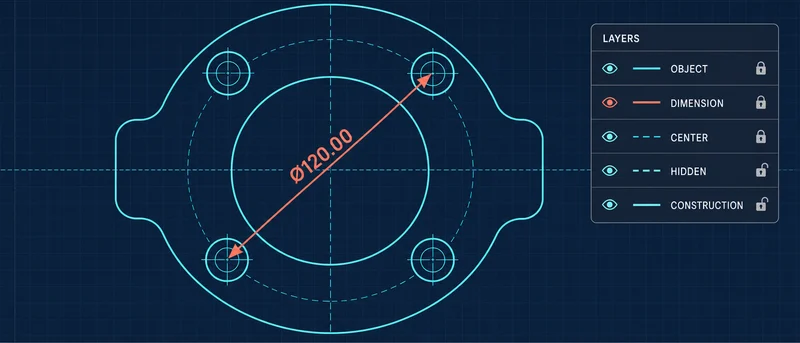
DXF Viewer & Checker
Open DXF drawings in your browser — no CAD software needed — and check layers, sizes, and warnings.
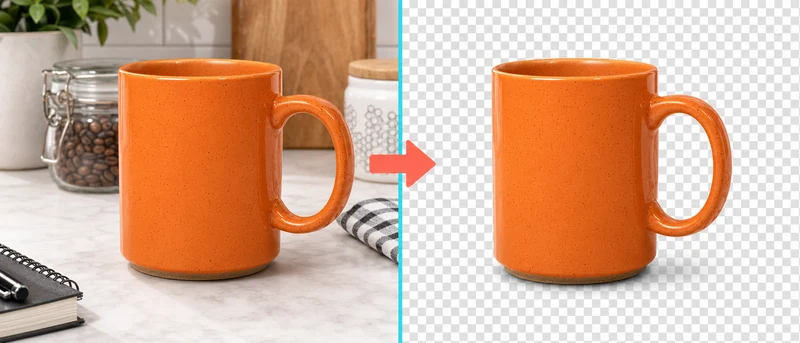
Remove Background
Erase a photo's background in one click and download the subject as a transparent PNG.
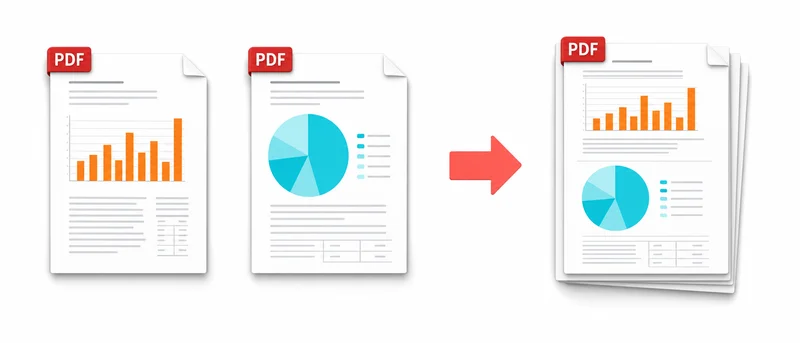
Merge PDF
Put multiple PDFs in the order you want and download them as one PDF file.
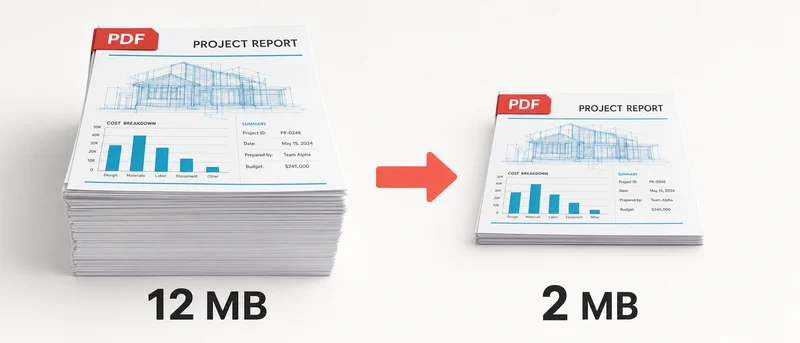
Compress PDF
Rebuild PDF pages as compressed images to make scanned documents smaller.
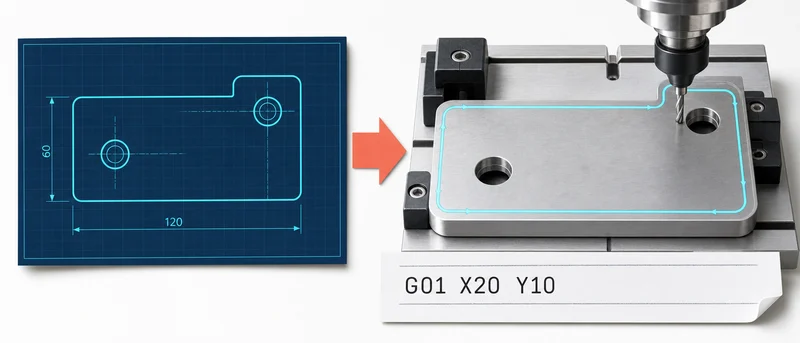
DXF to G-code
Turn a DXF into G-code your laser, CNC, or plasma cutter can run, with a cut-path preview.
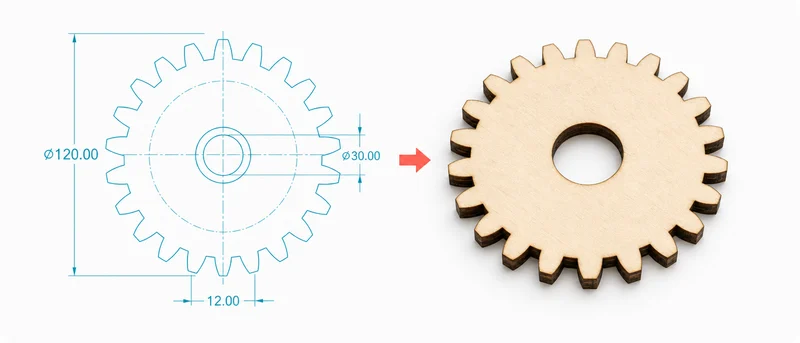
Gear Generator
Enter tooth count and size, then download the gear drawing for laser, CNC, or 3D printing.
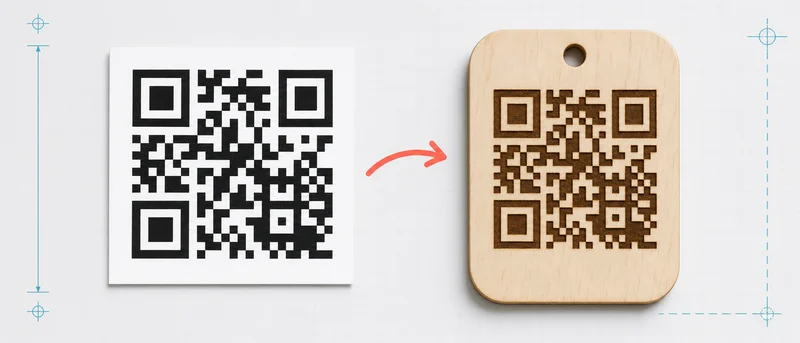
QR Code Generator
Create a QR code from text or a link, adjust your uploaded image, and download PNG, SVG, or DXF.
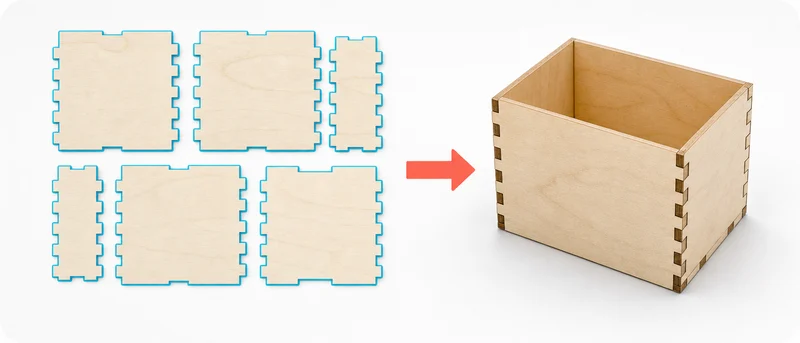
Box Generator
Enter box size and material thickness; download interlocking panels for laser cutting.
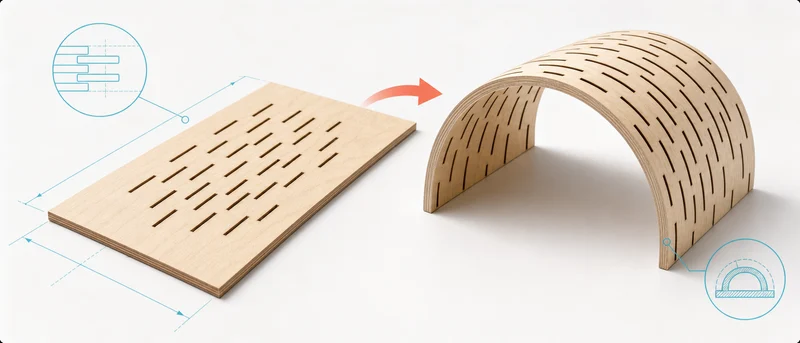
Living Hinge Generator
Create a laser-cut slit pattern that lets flat plywood or acrylic bend.
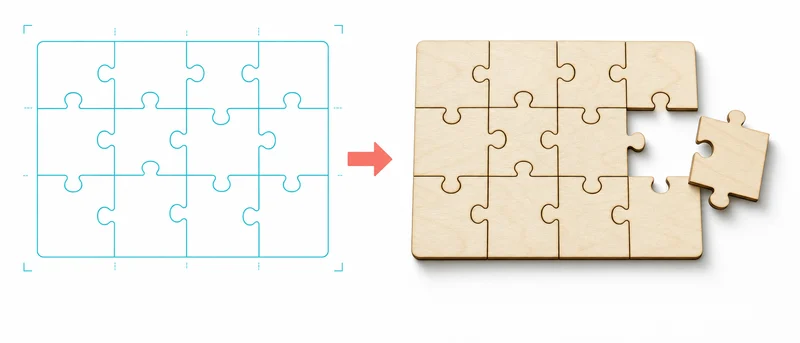
Jigsaw Puzzle Generator
Enter the size and piece count; download a DXF/SVG jigsaw template for laser or CNC cutting.
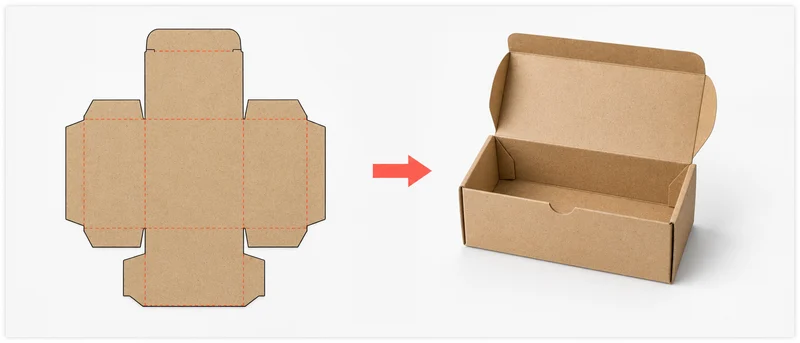
Cardboard Box Template
Enter the box dimensions; print the cut-and-fold cardboard template at 1:1 or download it.
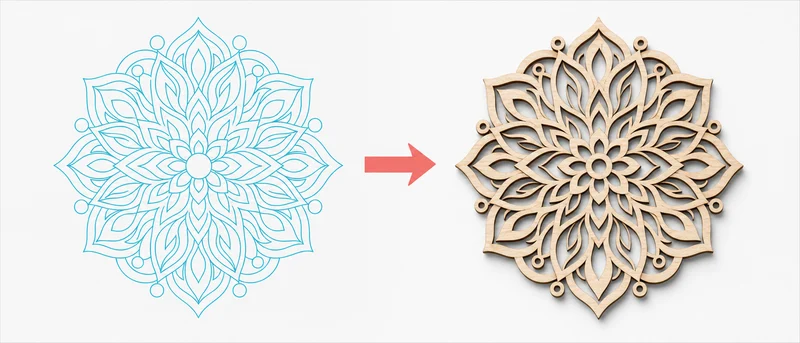
Mandala Generator
Set diameter, ring count, and petals; download a laser-ready mandala pattern as DXF/SVG.
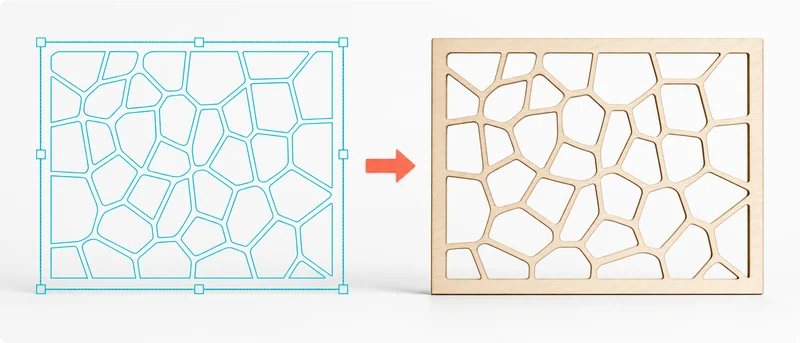
Voronoi Pattern Generator
Set cell count and relaxation; download a laser-ready Voronoi pattern as DXF/SVG.
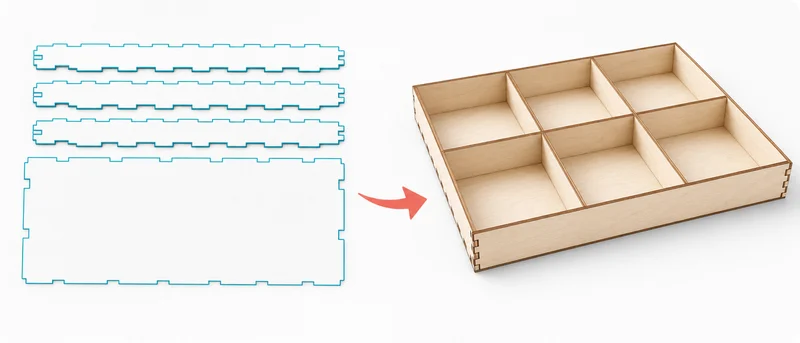
Modular Grid Organizer Generator
Set the unit size and compartment count; download a laser-ready organizer tray as DXF/SVG.
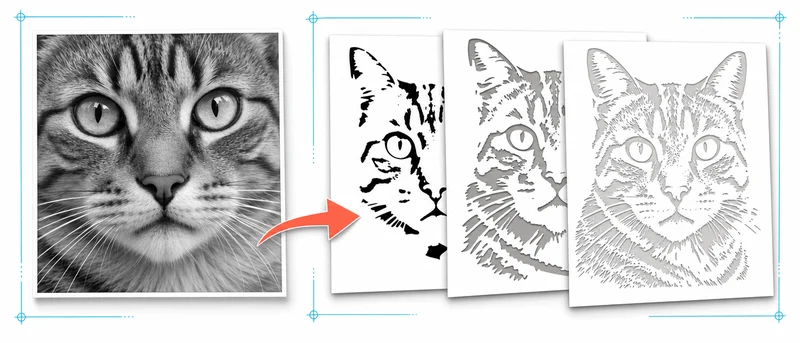
Photo Stencil Generator
Upload a photo, set the layer count, then download laser-ready stencil layers as DXF/SVG.
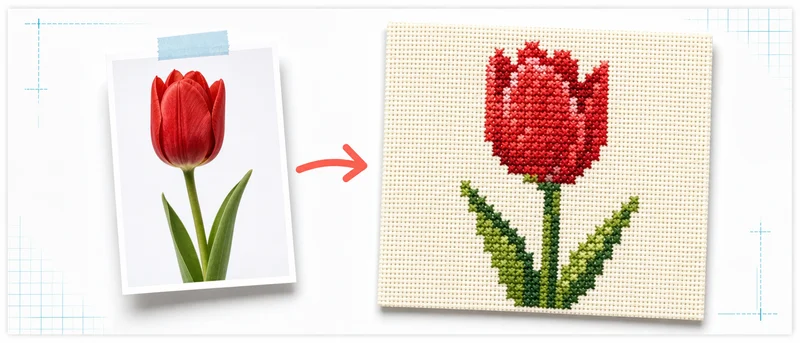
Cross-Stitch Pattern Generator
Upload a photo, set the stitch width, then download the chart as SVG and colors as CSV.
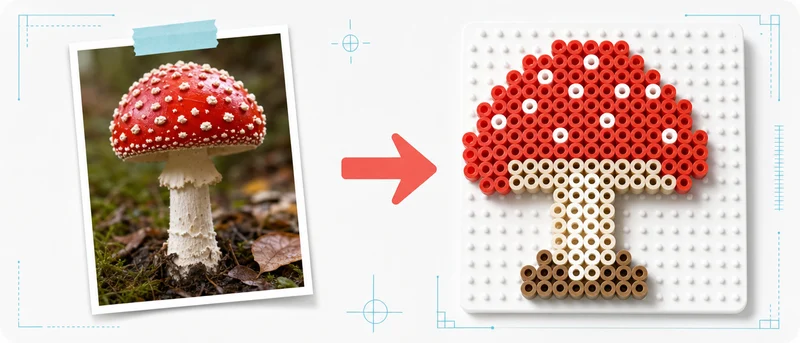
Perler/Hama Bead Pattern Generator
Upload a photo, set the bead width, then download the chart as SVG and colors as CSV.
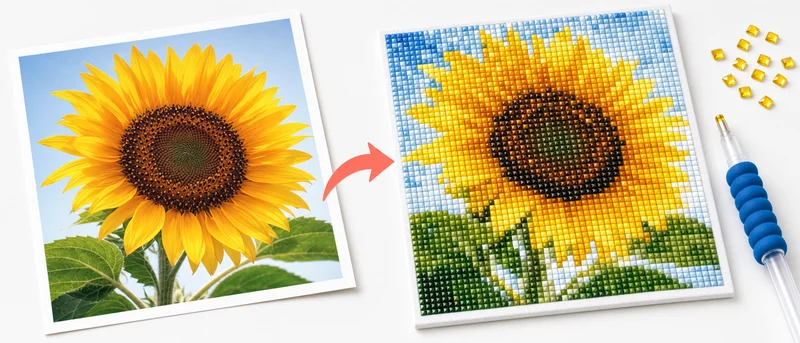
Diamond Painting Pattern Generator
Upload a photo, set the facet width, then download the chart as SVG and colors as CSV.
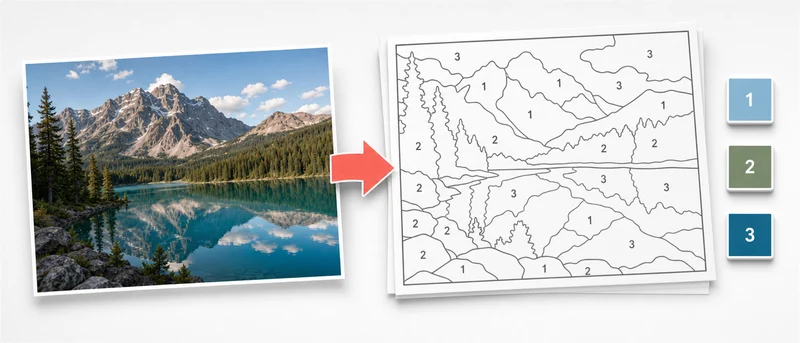
Paint-by-Numbers Generator
Upload a photo; download the outlined, numbered template as SVG.
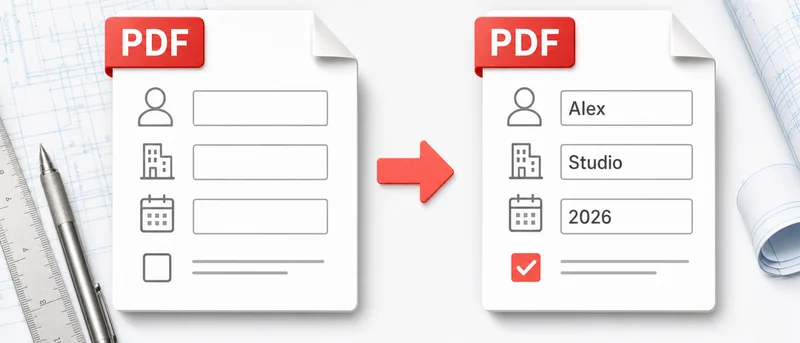
PDF Form Filler
Upload a PDF, fill in the fields, then download the completed PDF.
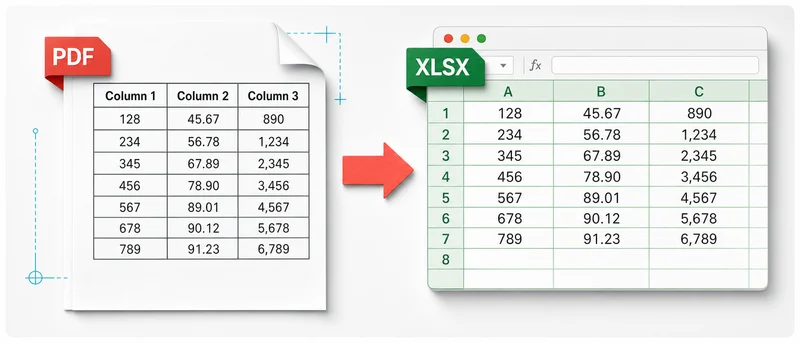
PDF to Excel
Upload a PDF, preview it, then download the tables as .xlsx.
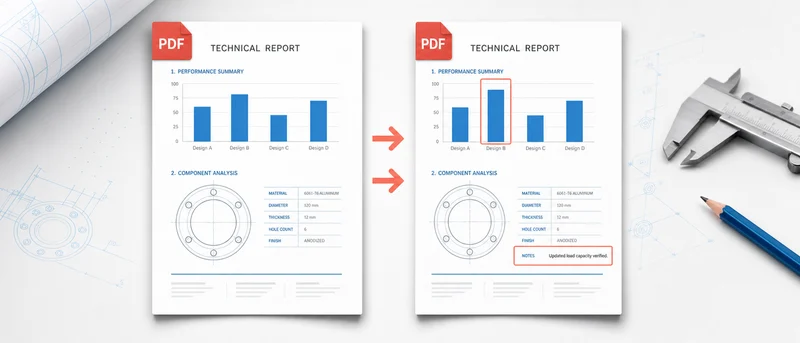
PDF Compare
Upload two PDFs; see differences highlighted in red.
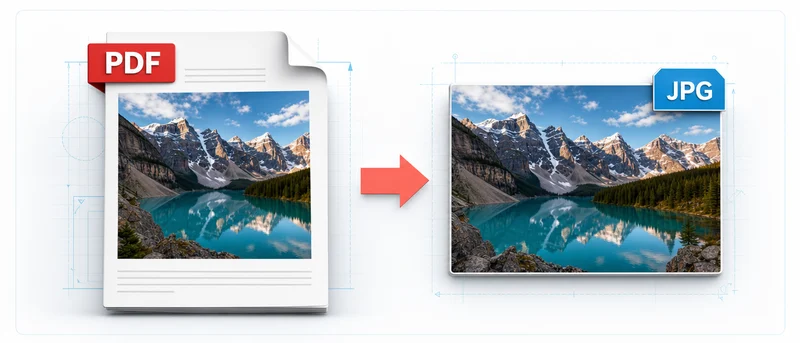
PDF to JPG
Turn PDF pages into images and download a single file or a ZIP.
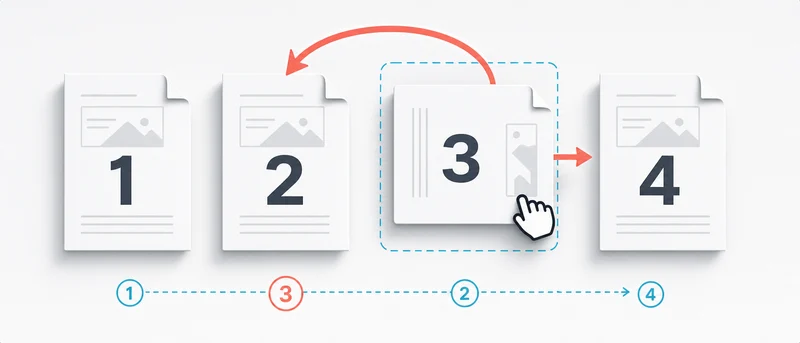
PDF Organizer
Reorder, rotate, delete, extract, and merge PDF pages in one screen.
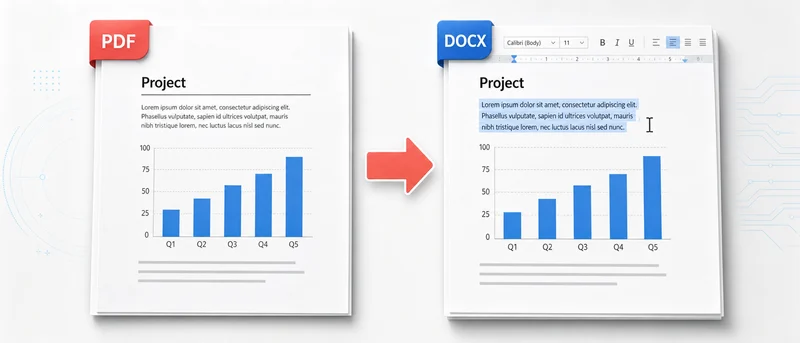
PDF to Word
Extract PDF text into Word (beta).
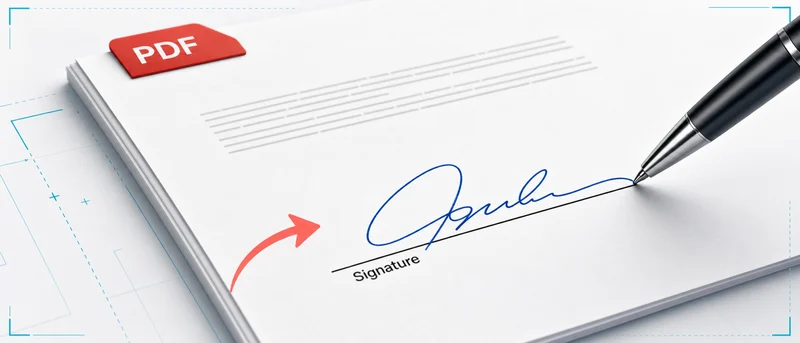
Sign PDF
Add a signature and text to a PDF and download it.
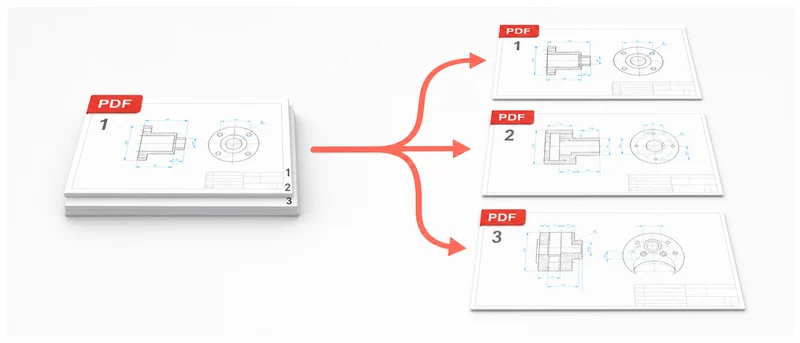
Split PDF
Pick the pages you need (e.g. 1, 3-5) and save them as a new PDF.
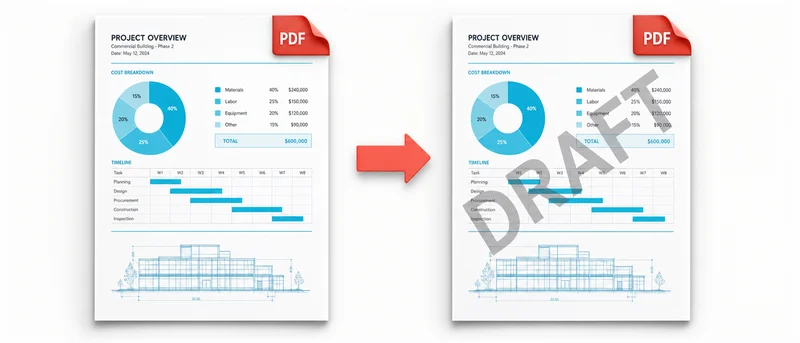
Add Watermark to PDF
Stamp a text, logo, or pattern watermark across every page of your PDF.
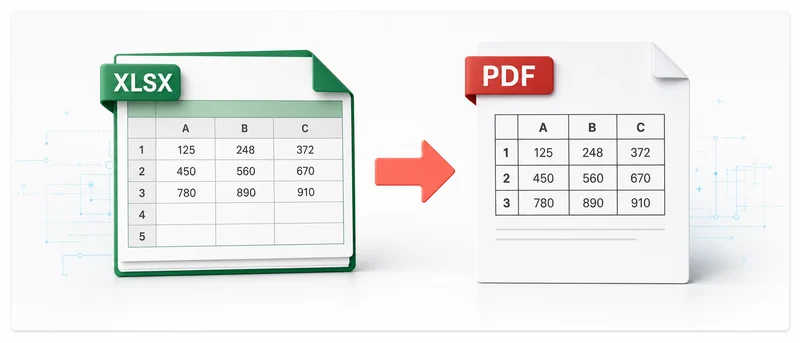
Excel to PDF
Turn Excel (XLS/XLSX) sheets into a PDF anyone can open.
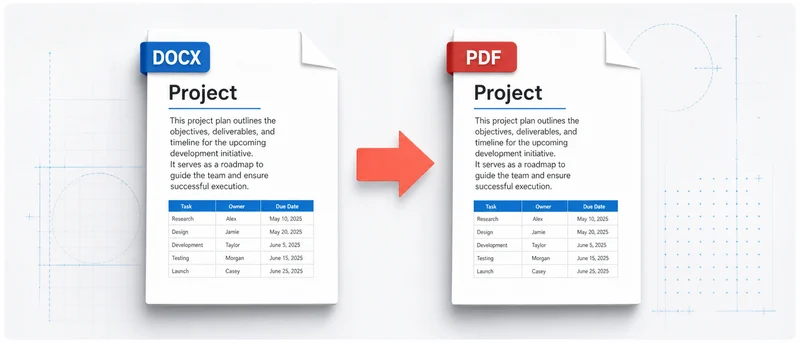
Word to PDF
Convert a Word (DOCX) document to PDF with the layout preserved.
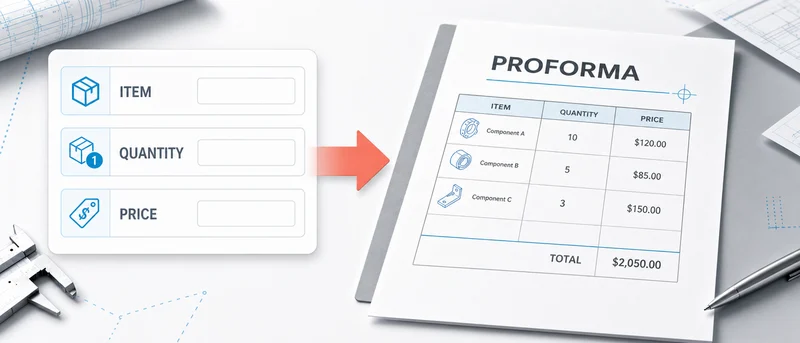
Proforma Invoice Generator
Fill in the form, add your logo, and download a finished proforma invoice as PDF or Excel.
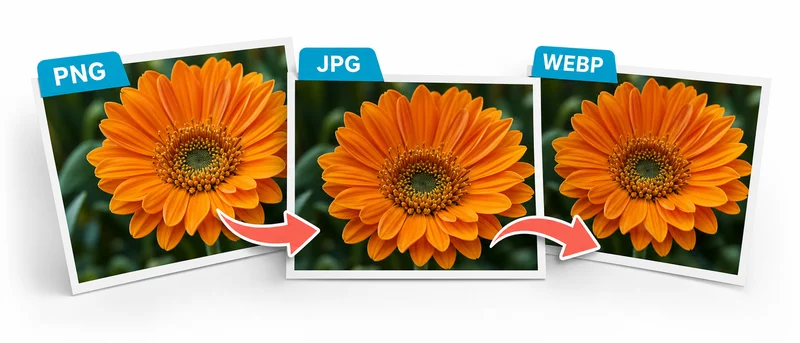
Image Converter
Convert images between JPG, PNG, WEBP, and GIF — for example turn WEBP into JPG.
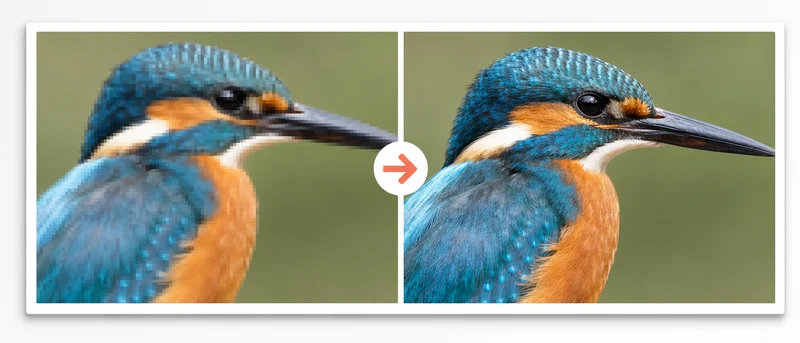
Image Quality Enhancer
Upscale and sharpen a blurry or low-resolution image with AI, up to 4×.
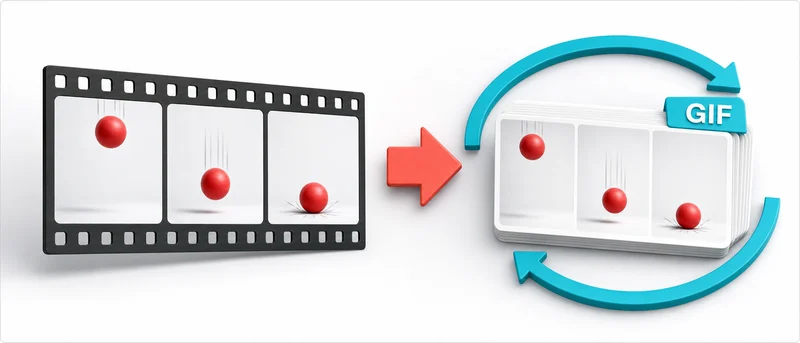
Video to GIF
Trim the part of the video you want, set the size and speed, and download it as a GIF.
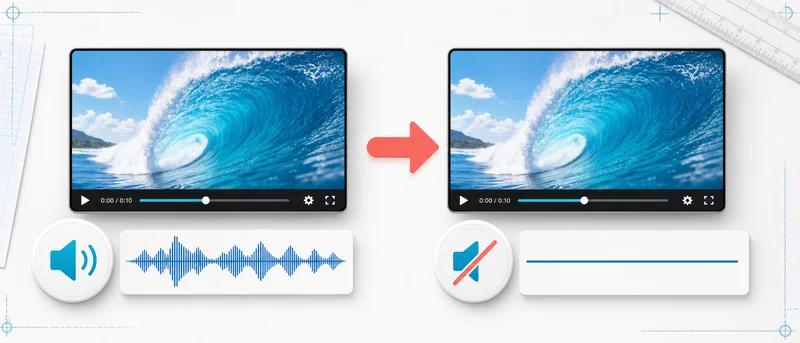
Remove Audio from Video
Strip the sound from a video without quality loss and download the muted copy.
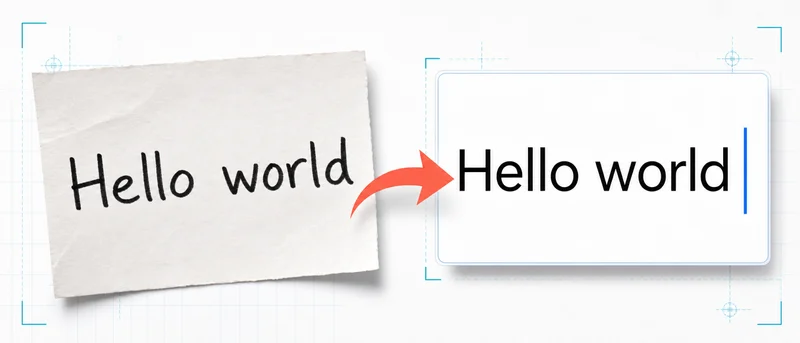
Image to Text (OCR)
Turn text in photos, scans, and PDFs into editable text — supports 16+ languages.
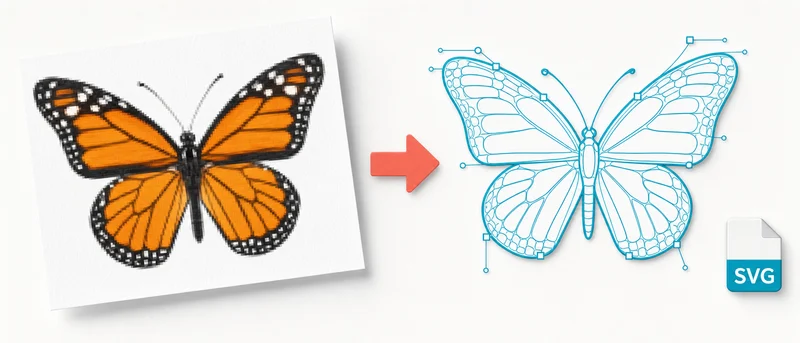
Image to SVG
Convert a logo or drawing into an SVG vector that stays sharp at any size.

SVG to Animation
Add ready-made animation effects to your SVG and download web-ready code.
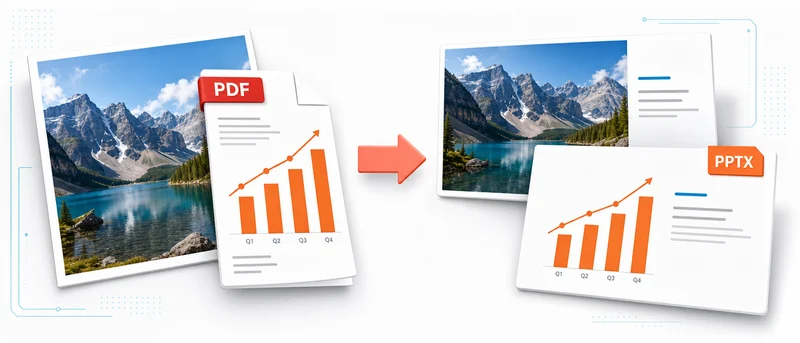
Image/PDF to PowerPoint
Upload photos and PDF pages and get a ready PowerPoint with one slide per item.
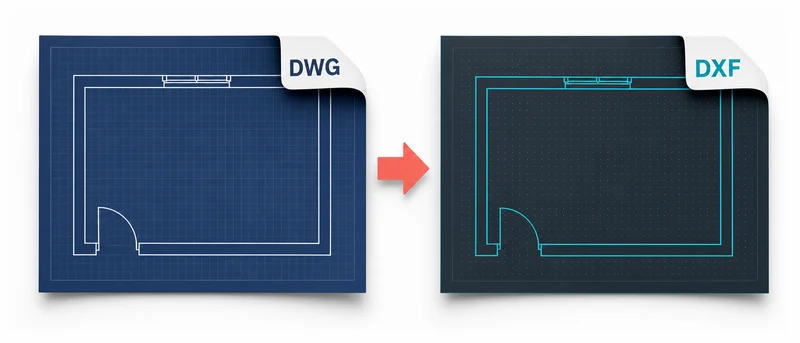
DWG to DXF Converter
Open an AutoCAD DWG file (R14–2007) in your browser, inspect it, and download it as DXF.
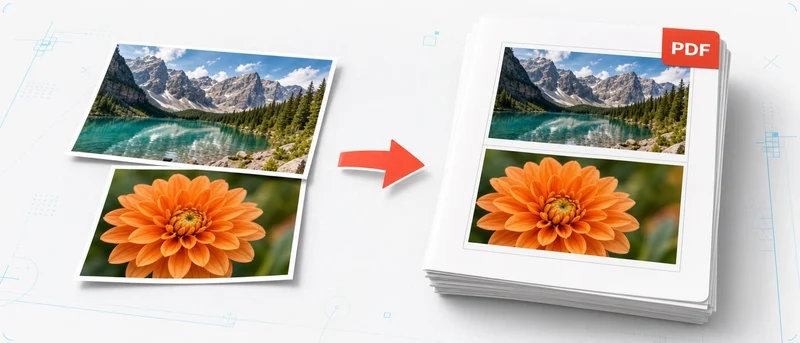
Image to PDF
Arrange your photos and images and combine them into a single PDF.
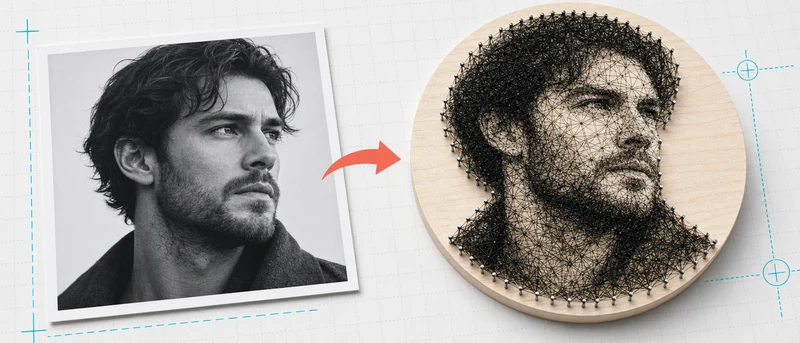
String Art Portrait Generator
Upload a photo, tune pins and line density, then download the production package.
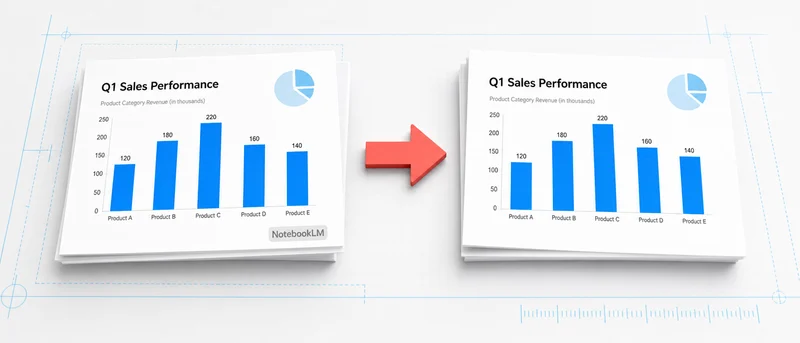
Remove NotebookLM Watermark
Erase the NotebookLM badge from images and videos.
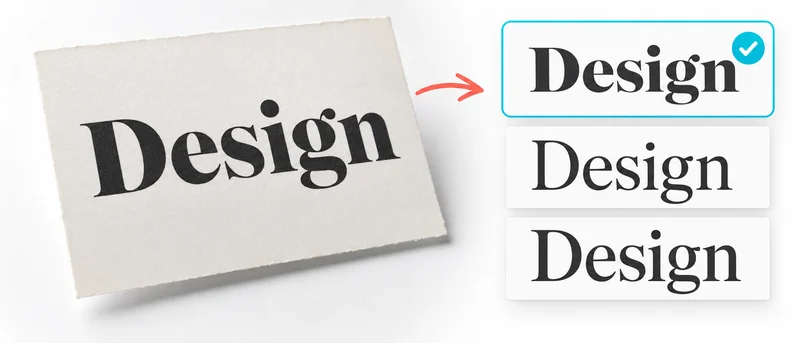
Font Finder
Find the font used in an image and reveal the closest free Google Fonts for 1 credit.